What is VRPC?
VRPC connects YouTube Music / Soundcloud to Discord Rich Presence.
VRPC is a set of software, consisting of an application and a browser extension, which shares information about what you're listening to on YouTube Music and Soundcloud to Discord using Rich Presence. As a bonus, it saves which songs you've listened to and for how long, completely for free.
Every feature here is opt-out, so if you're not comfortable with people seeing you listen on these platforms you can disable sharing data to Discord. The same goes for saving your listening data to your computer.
Features
Sync your YouTube Music to Discord
Using Discord's Rich Presence, you can show people what you've been listening to! Here's exactly what the app captures:
- Song name, artist, album, and release year
- Current song progress and duration
- Playing/Paused status
- Song thumbnail and direct link
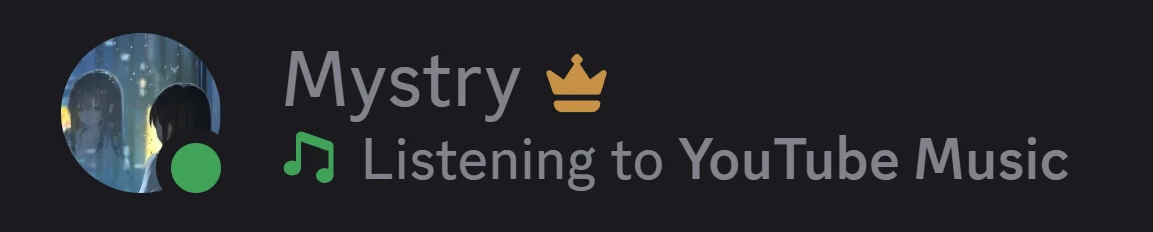
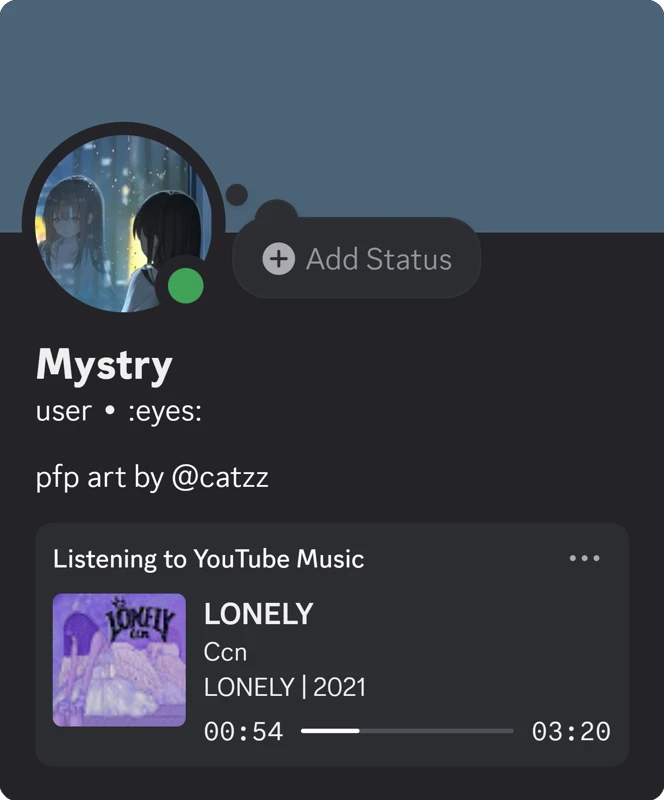
User listening to YouTube Music

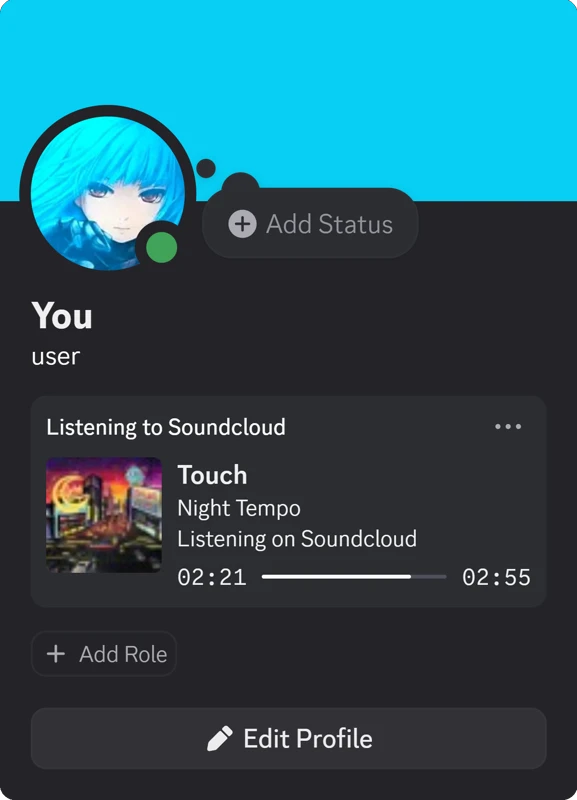
User listening to Soundcloud
Sync your Soundcloud music to Discord
You can also share what you're listening to on Soundcloud with your friends (or strangers) on Discord via Rich Presence. The app captures similar information to YouTube Music except album and release year.
- Song name and artist
- Current song progress and duration
- Playing/Paused status
- Song thumbnail and direct link
Listening Data
As a bonus, the application automatically saves what you've listened to and for how long.
This is an opt-out feature and if you don't like it, you're free to disable it. All files are stored locally on your computer.
What we store globally:
- Application version, total time listened & the creation date
What we store on a song-by-song basis:
- A song’s name, author, link, duration & last listened platform
- The time you’ve spent listening to a song
- The time and date of when you first, last & most listened to a song
- Whether the song is actually a video
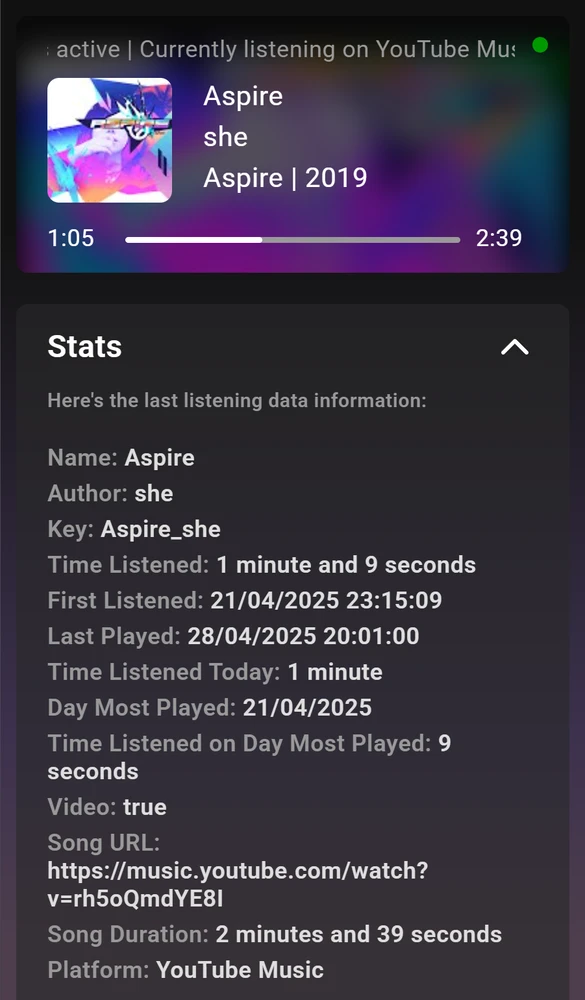
The extension showing the data saved with Listening Data enabled.
These are all neat features but...
How does it work?
In short, the extension sends your YouTube Music or Soundcloud activity to the application, which sends it to Discord's Rich Presence.
VRPC uses the browser's Native Messaging API to allow communication between the application and extension. The application sends that information to Discord through Rich Presence.
Privacy
The application by default stores listening data about songs you listen to on your computer.
Both Discord Rich Presence and Listening Data can be disabled in the extension's settings.
To access your data stored locally, do the following:
On Windows: open the search bar or use Run (Windows + R)
Type in: %appdata%\VRPCApp\Data
Disclaimers
Please note that anything in my application/extension can change at any time without notice.
Lastly, if you have any bug reports or anything that feels "out of the ordinary", please tell me at vrpc@viktir.com.
Download
Version 1.01
Application: 1.01 | Extension: 1.00
I'm sorry, this application is currently only available on Windows.
Installation instructions
Application
- Download the application
- Extract the vrpc-full.zip package into a separate folder
- Run VRPC.exe
- A terminal window will pop up; typing Y and pressing Enter will install the application
for transparency, every step of the installation process is written out
Extension
- Download the extension
- Relaunch your browser
- You're good to go!
Need help?
Relaunch your browser.
If that doesn't work, check out the troubleshooting steps available at the application's GitHub repository.
Lastly, for any issues or suggestions, I'm available at vrpc@viktir.com.